
01AgencyLaunch
The platform
Help businesses respond to enquiries, recover missed calls, take bookings, and keep customers coming back.
Offer missed-call follow-up, AI-assisted replies, online booking, and customer portals under your own brand. Manage it all for your clients, or work alongside their team.
How it works
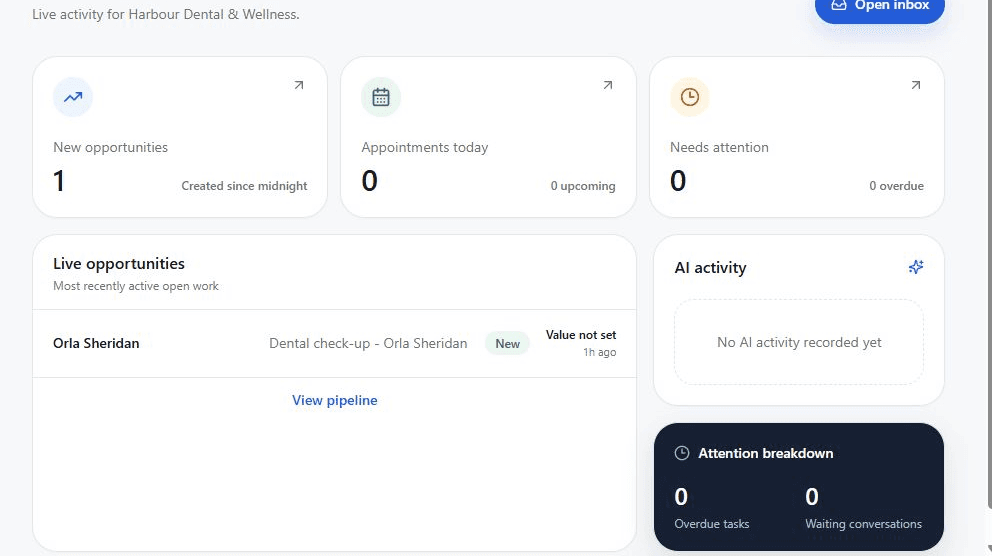
Each business gets its own workspace for customers, messages, and bookings. You choose what to offer and help them get it running. No client yet? Add your own business and try the service yourself first.
Help businesses respond to enquiries, recover missed calls, take bookings, and keep customers coming back.
Choose the services you offer, set your prices, and manage each business under your agency’s brand.
Run the service for them, or give their team access to reply to customers, manage leads, and handle appointments.
Lead recovery
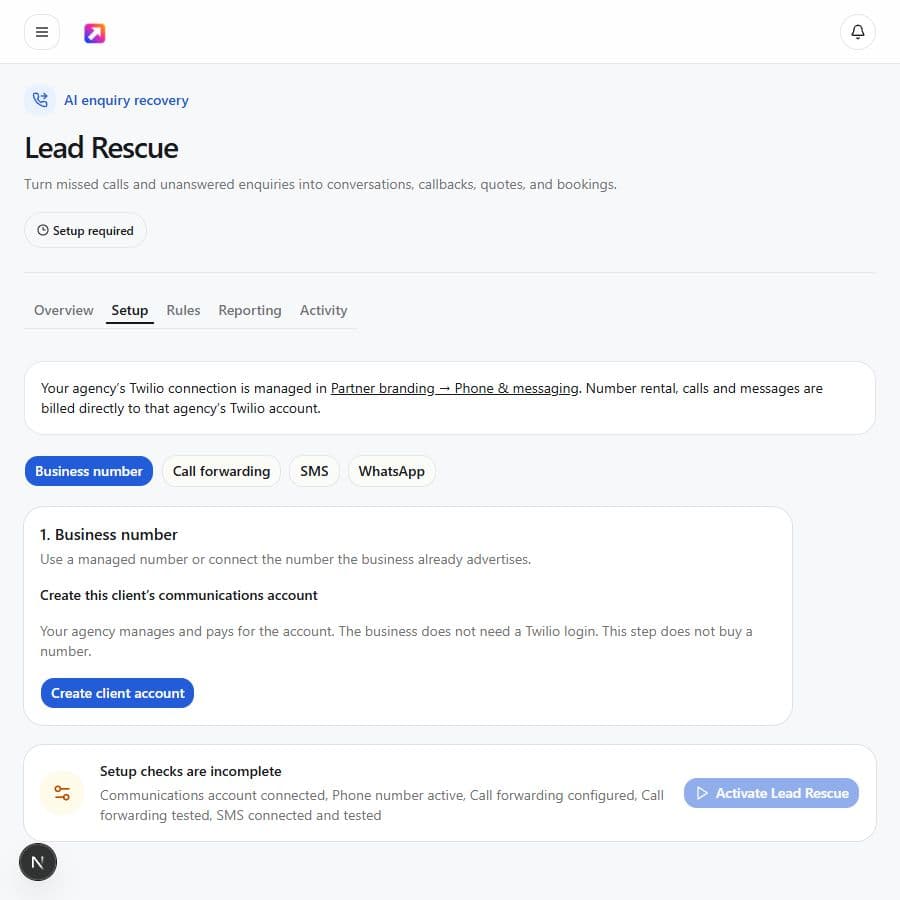
When a business misses a call or leaves an enquiry unanswered, the recovery flow can respond quickly, qualify the need, and move the customer towards a callback, quote, or booking.
Connect your agency’s Twilio account and manage separate client accounts and numbers. Your clients do not need their own Twilio login. Twilio charges your agency for numbers, calls, and messages.
Phone and messaging setup guideClient operations
See who needs a reply, which leads need following up, and what is booked. Give customers a simple place to check their appointments, quotes, and messages.
Leads and conversations
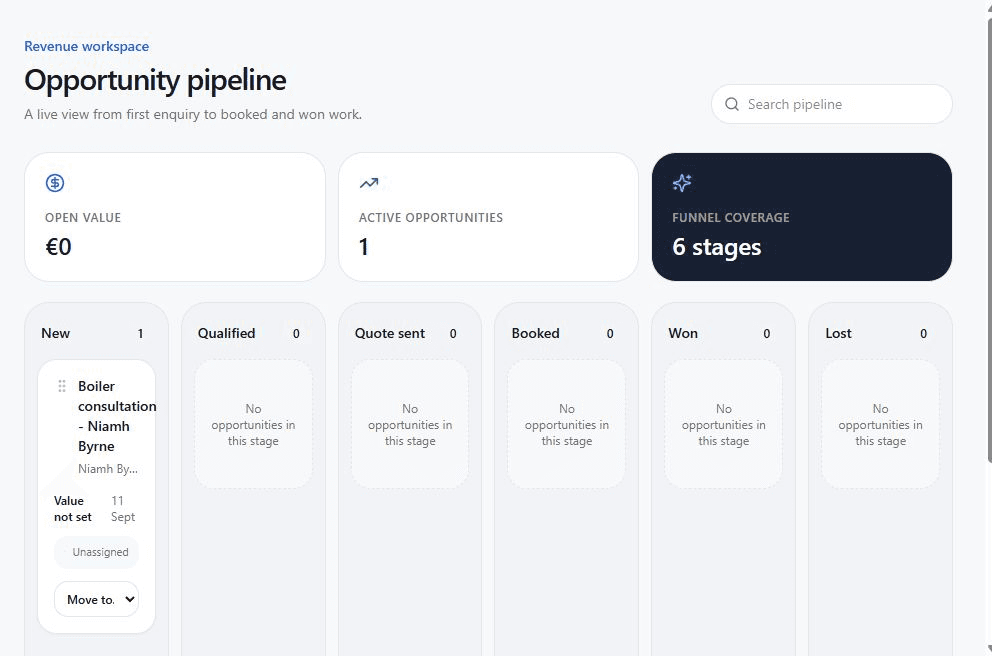
Inbox, requests, and Pipeline keep the customer story together, from the first message through qualification, quote, booking, win, or loss.
Online booking
Add the booking widget to an existing website or share a booking link. Set services, working hours, and availability, and connect Google or Microsoft Calendar. Customers can book, reschedule, or cancel through their secure booking link.
Booking widget guide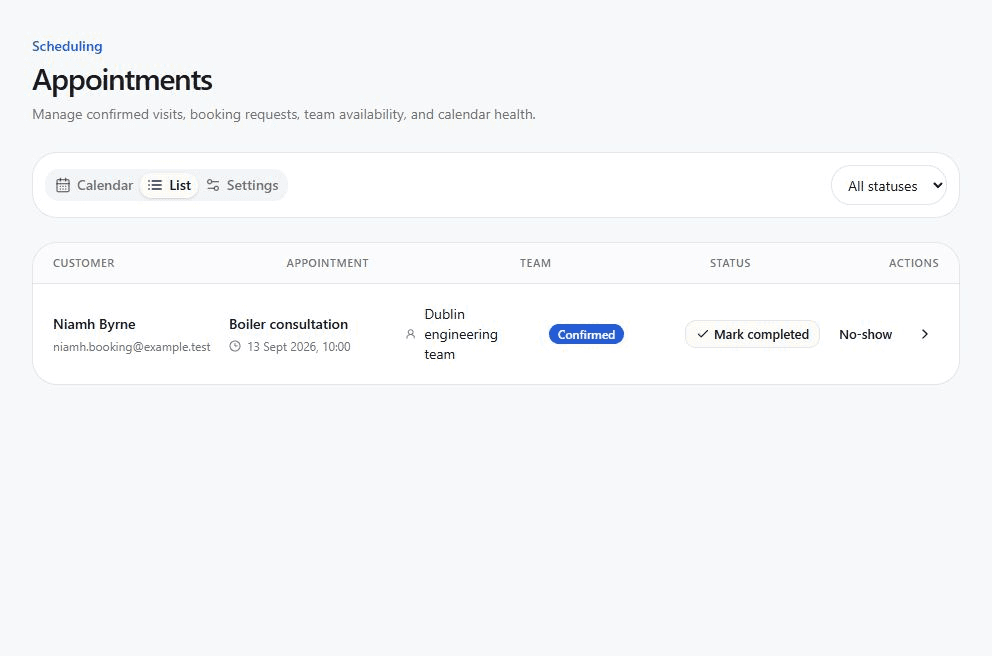
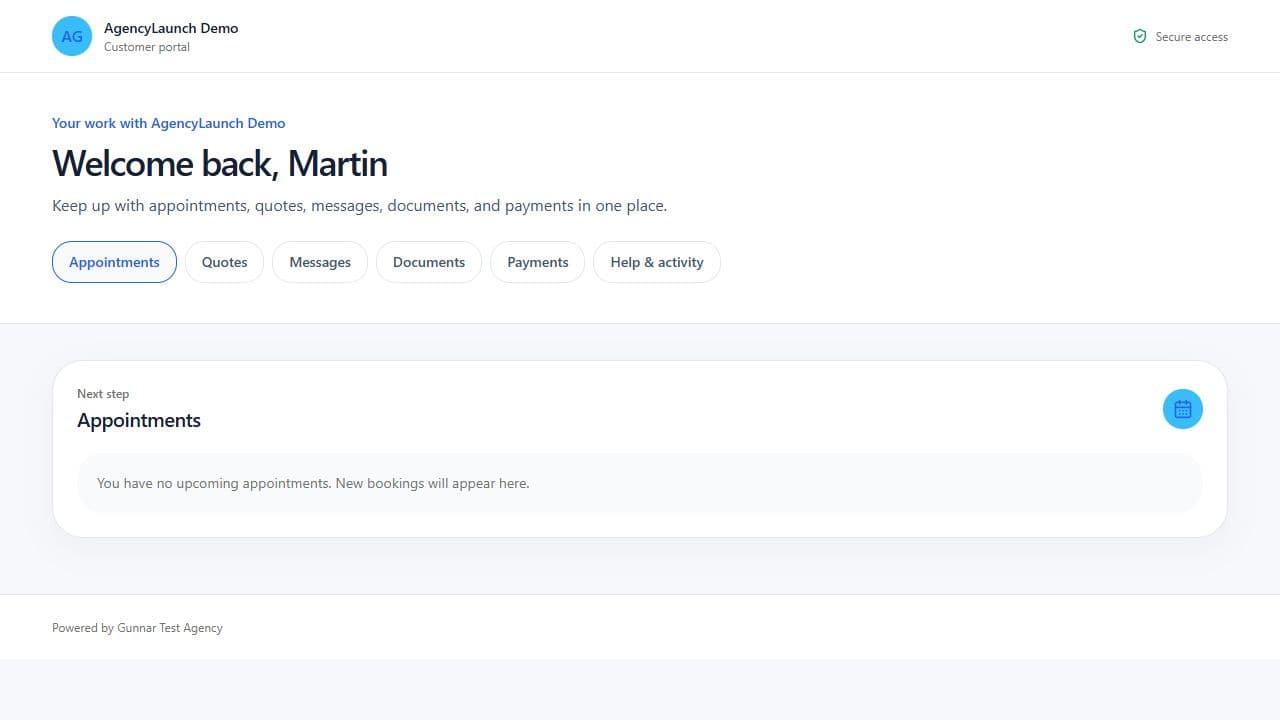
Customer access
Customers return to a permanent sign-in page and get a secure link by email—no password to remember. They can check appointments, respond to quotes, send messages, and view documents. Payment requests use the business’s existing payment links; staff record payment once received.
Customer portal guideGoogle review workflows and reply control
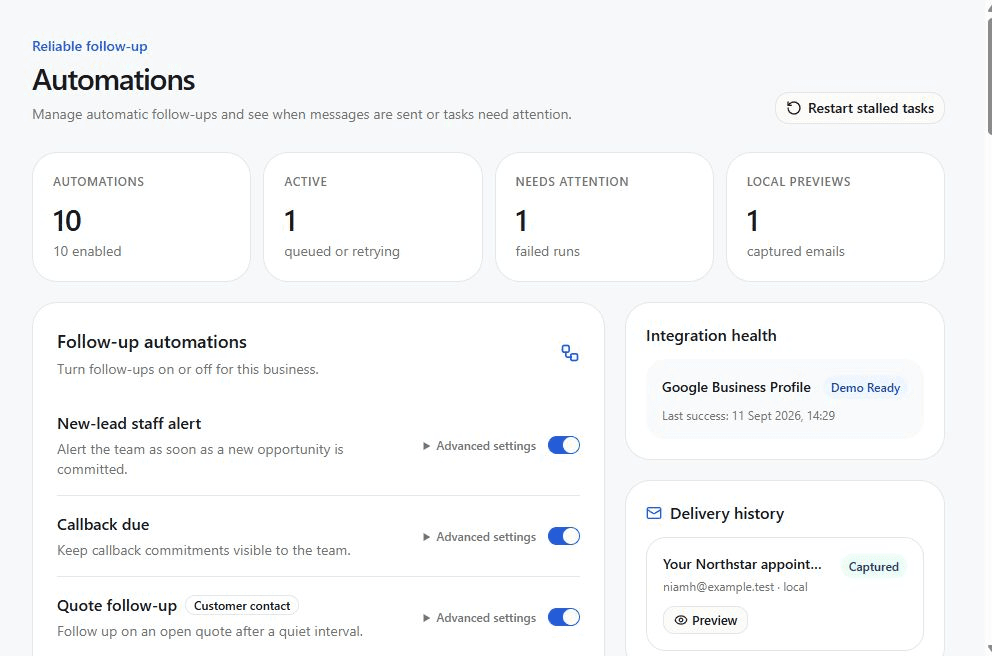
Send customers to booking, reviews, or enquiries—and track scans
Email, SMS, WhatsApp, and chat in one place
Save callback requests and assign someone to follow up
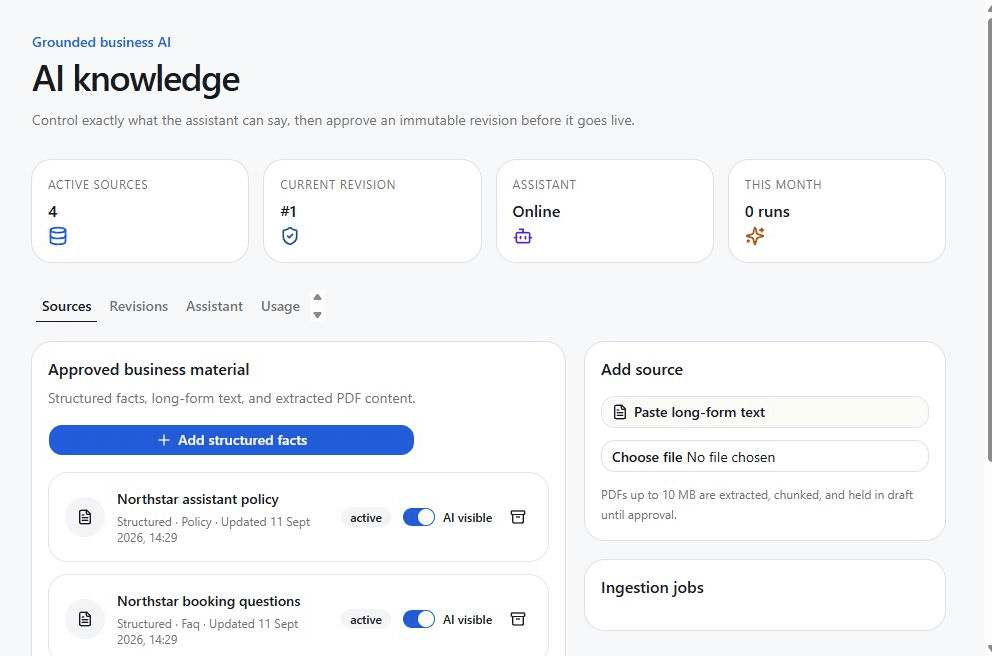
Controlled AI
Add the business’s services, prices, hours, and common questions. Review and approve that information for the assistant to use. Choose automatic replies, replies that need approval, or human replies only. When a customer asks for a person, AI pauses and the team gets a follow-up task.
Partner control
Add each client as a separate business and manage their services from your agency account. Use your logo and a custom portal address. Set up a verified business email domain so supported customer messages come from the business’s own address.
You set your client prices and collect payments through your own invoicing or payment system. AgencyLaunch plans control app features and usage limits; your agency’s platform subscription is separate.
How billing works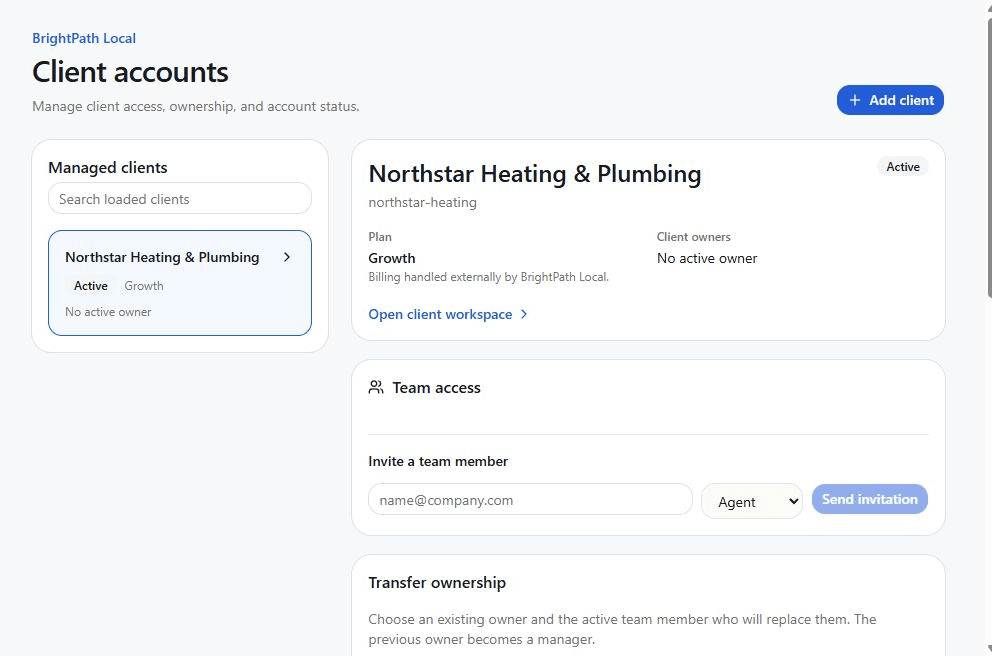
Follow Start Here to add your branding and connect the services you want to offer.
No client yet? Add your business as a demo, choose one service, and follow the setup and testing steps.
Once you have tried it yourself, add a client, set up their chosen services, and test them before handover.
Built for AgencyLaunch partners